If you have ever sold tickets by asking guests to send money and then a screenshot, you know how it goes. You scroll through messages, match names to payments, keep a list in your notes app and hope nobody forwards someone else's confirmation. At the door, you check that list by hand while the queue grows.
Selling online fixes most of that. This guide walks you through it step by step, whether your event is a house party, a comedy show, a workshop or a fundraiser. The steps apply to any ticketing tool. Where it helps, we point out how loopinone handles them.
Decide what you are selling
Before you open any app, get clear on the basics:
- What the event is. One sentence a stranger would understand.
- When and where. The date, start time and venue. If the venue is not confirmed yet, say so rather than guessing.
- How many people you can fit. This is your capacity. Know it before you set prices.
- What a guest gets. Entry only, or entry plus food, drinks, a T-shirt or materials?
- Whether it is public. Some events are for anyone. Others are for members, friends or invited guests only.
On loopinone, a private event is left out of lists and search, so guests need the link or a join code to find it. That suits a birthday, a company event or a small members' night.
Settle on your refund policy now too. On loopinone you set it per event: no refunds, refunds up to 1 day, 7 days or 30 days before, or a custom policy with a note. You can also decide whether guests may transfer their tickets to someone else: not at all, right up to the start, or only up to a set time before it, from 1 hour to 2 weeks. Deciding early saves awkward conversations later.
Build an event page people trust
Your event page does the selling when you are not around. People who do not know you will judge the event by it, so give them what they need to say yes.
- A clear title. Say what it is, not just a clever name.
- A good cover picture. On loopinone this is square. A 2160 x 2160 image works best, in JPEG, PNG or WebP up to 10 MB. Other shapes are cropped to a square, so keep text and faces away from the edges.
- A description. What happens, who it is for, what to bring.
- Date, time and place. You choose the time zone for the event. You can add a venue with an optional address, mark the event as online, or set the venue as to be announced.
- Door-opening time. Tell guests when they can arrive, not only when things start.
If it fits your event, add more detail. You can list a lineup with performers and a headliner, a programme with times and locations, a few highlights, and FAQs. Good FAQs answer the questions you would otherwise get on WhatsApp: parking, age limits, dress code, whether there is food.
Set up your tickets
Keep your tickets simple. Two or three is plenty for a first event. On loopinone every ticket is priced one of two ways: a fixed price, or pay-what-you-want. The names are yours to choose. Common ones are:
- General for most guests.
- Early bird at a lower price for people who commit early.
- VIP for a better spot or extras.
- Free for guests you want to count but not charge. This is a fixed ticket priced at zero.
With a fixed price, every guest pays the same amount. With pay-what-you-want, the guest picks any amount at or above a minimum you set, and you can show a suggested price. Pay-what-you-want works well for fundraisers and community events.
A few settings matter more than they look:
- How many of each ticket. Limit early bird tickets so they actually run out.
- Limit per order. Stops one person buying up a ticket. You can allow up to 10 in one order.
- Sale dates. Open and close each ticket on the dates you choose, so early bird ends when you said it would.
- People per ticket. One ticket can admit several people, which is handy for a table or a group of friends.
- Overall capacity. Set a cap for the whole event so the total across all ticket types never goes over what your venue holds.
You can also add checkout questions, such as a meal choice or T-shirt size, so you are not collecting answers by message afterwards. If you have run another event on your loopinone account, you can copy its tickets into a new event that has none yet, instead of starting again. Sale dates are not copied, so set those afresh.
Not sure what to charge? Our guide on how to price event tickets covers that in detail.
How guests pay
This is where you stop chasing money. With online checkout, guests pay with M-Pesa, Airtel Money or card. The payment and the ticket happen together, so there are no screenshots to check and no cash to collect.
On loopinone, the sale shows in your balance the moment a guest pays, and the guest gets their ticket straight away. Payouts are covered below.
You also choose who covers the payment charge. loopinone charges you 5% of each paid ticket, and that commission is never passed on to guests. The payment charge is separate and passed on at cost. There is no setup fee and no subscription, and free events cost nothing. You can add the payment charge on top for guests to pay, or absorb it yourself and keep the price round.
Share it where your people are
An event page with no visitors sells nothing. The good news is that one link works everywhere:
- Post it in your WhatsApp groups and status.
- Put it in your Instagram bio and stories.
- Print it, or a short version of it, on your flyer.
- Ask performers, partners and friends to share it with their own followers.
Share early, then share again as dates get close. People often mean to buy and forget. A reminder when early bird is about to end, or when only a few tickets are left, gives them a reason to act.
Public events on loopinone are also listed on the site, so people browsing for something to do can find yours.
Watch sales and adjust
Once tickets are on sale, check in on them regularly. On loopinone you can see sales by day, week or month, which shows you whether your last post made a difference.
Use what you see:
- If early bird sells out fast, your main price is probably fine.
- If sales are slow, share more, ask your lineup to post, or add a ticket type that suits a group.
- If one ticket type is not moving, change it. Tickets can be edited as sales come in.
If you collected marketing consent at checkout, you can email guests who agreed to hear from you about this event and future ones. You can also customise the order email guests receive, so it includes the details they need, like directions or what to bring.
Welcome guests at the door
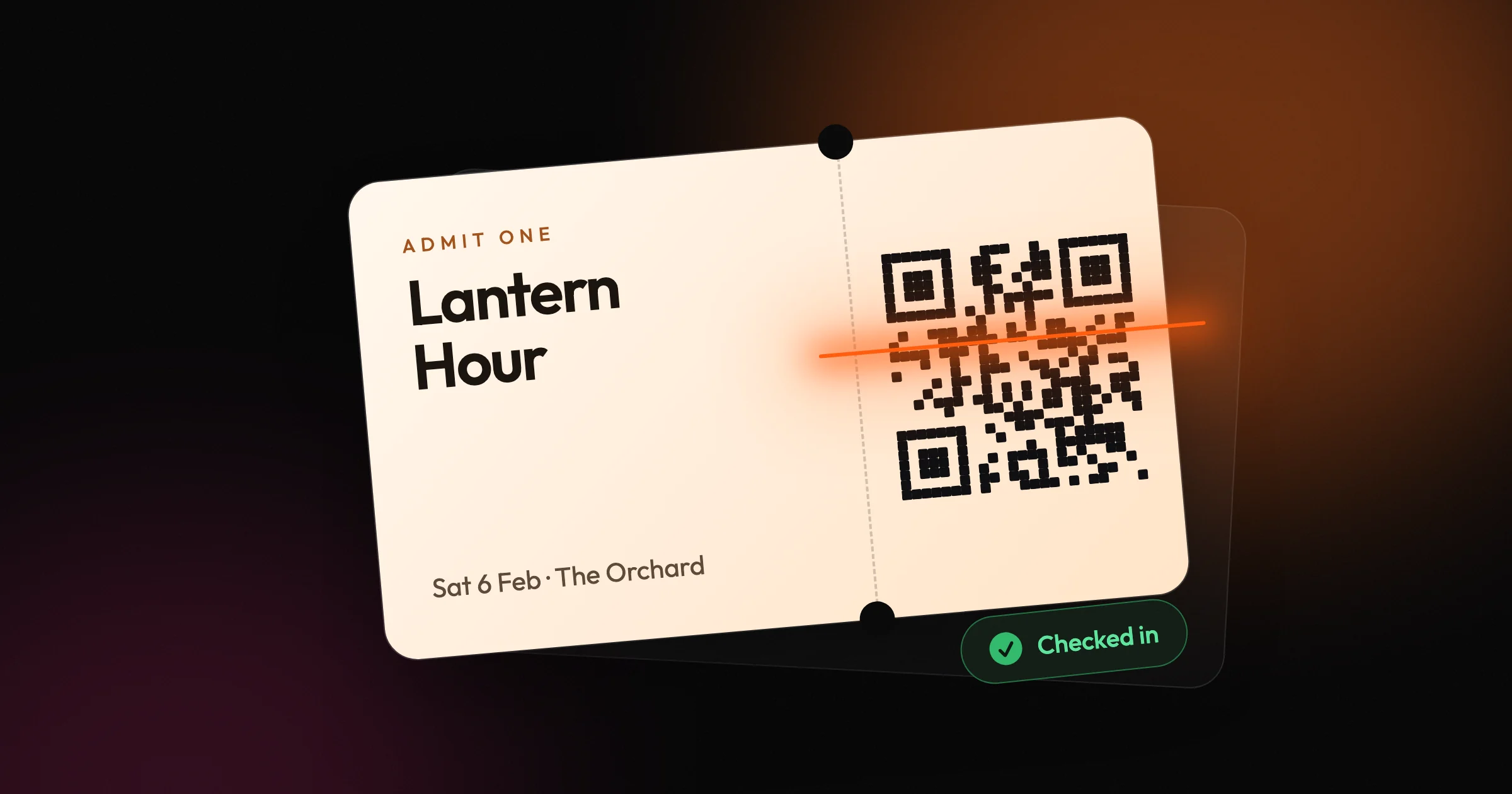
The door is where online tickets really pay off. Instead of reading names off a list, you scan each ticket with a phone. Duplicates and fakes do not get through, so a forwarded screenshot of someone else's ticket will not get anyone in twice.
A few things to set up before the day:
- Invite your door team. On loopinone you can invite scanners who can only check people in, and managers who can help run the event. Your scanners do not need access to your sales or money.
- Plan for weak signal. Scanning works offline, and manual check-in is there as a backup if a phone dies or a ticket will not scan.
- Do a test. Scan a ticket before doors open so nobody is learning the app with a queue in front of them.
After the event, check-ins per ticket type tell you how many people actually came, which helps you plan the next one.
Get paid
Selling is only half of it. You also need the money in your hands.
On loopinone you request a withdrawal to M-Pesa, Airtel Money or a bank, and we process it. Before your first payout, your identity is verified. This takes 5 to 30 minutes, so do it well before the event.
Payout timing can differ from one host to another, so check the payouts page of your dashboard before you plan around ticket money. If you have deposits to pay, make sure you can cover them without it.
Mistakes to avoid
Most first-event problems are avoidable:
- No capacity limit. Selling more tickets than the venue holds is a hard thing to undo.
- Vague details. A missing start time or venue costs you sales and fills your inbox with questions.
- Too many ticket types. Guests get confused and leave. Start simple.
- No refund policy. Decide it up front and show it on the page.
- Counting on ticket money too early. Payout timing differs between hosts, so plan your upfront costs without it. Verify your identity early too.
- Untested door setup. Brief your scanners and try a scan before guests arrive.
- Sharing once. One post is easy to miss. Plan a few reminders.